Sign Up & Login
Fast two-step sign-in to start managing and calling your AI models in the 魔方AI Console.
魔方AI provides a secure, instant login experience with no manual sign-up required, supporting single sign-on via major third-party platforms.
How to Sign In
Step 1: Open Login Page
Go to the 魔方AI login page and select your sign-in method: Google Account Quick Login, GitHub Account Authorization, or Discord Account Authorization.
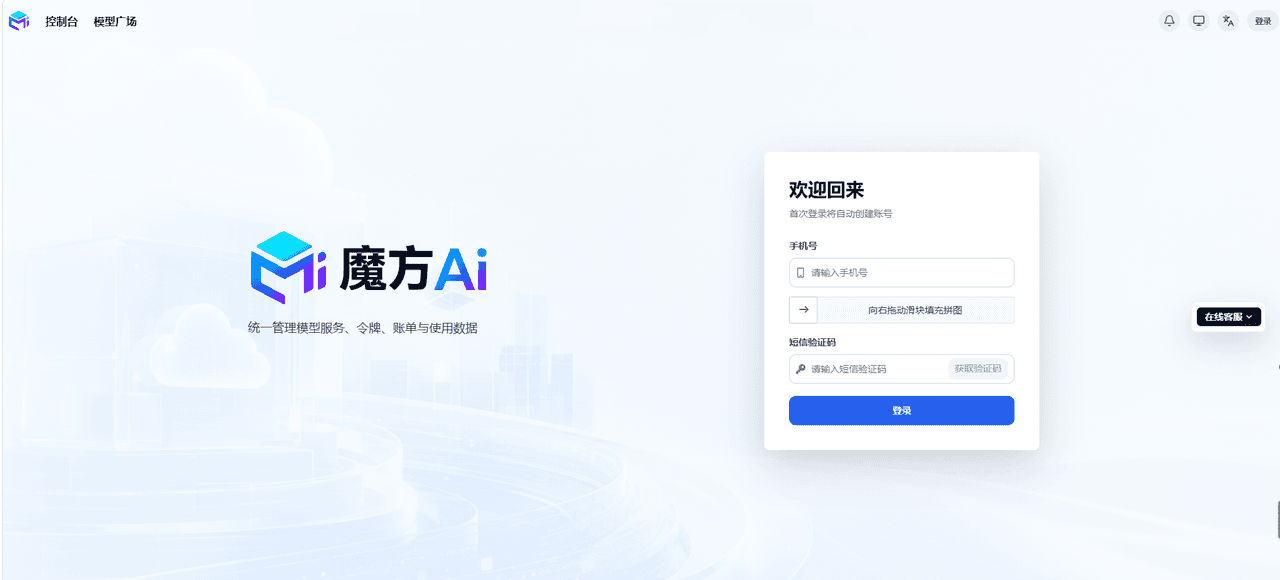
Step 2: Authorize & Enter Console
Click the respective platform button and confirm the authorization. Once authorized, you will automatically be redirected to the 魔方AI Console to get started.
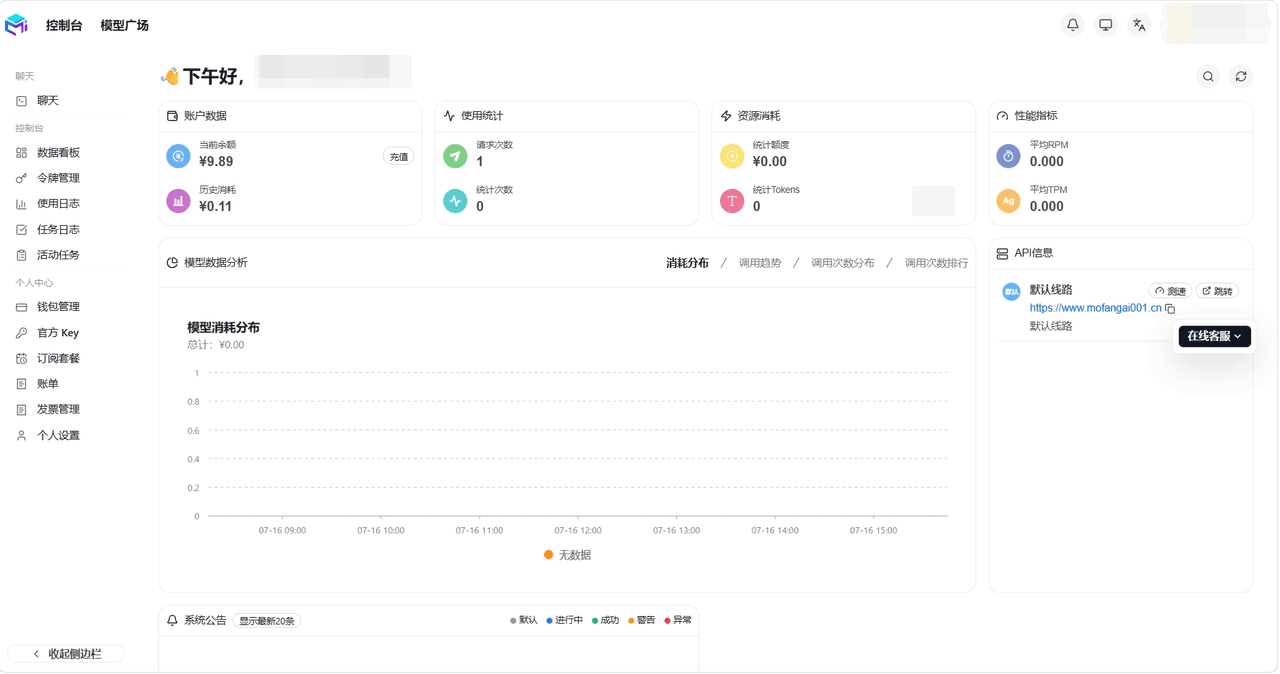
Next Steps
After signing in, you can directly follow the Get Started in 3 Steps wizard on the console homepage, or consult our Quick Start guide.
Account Security & Logout
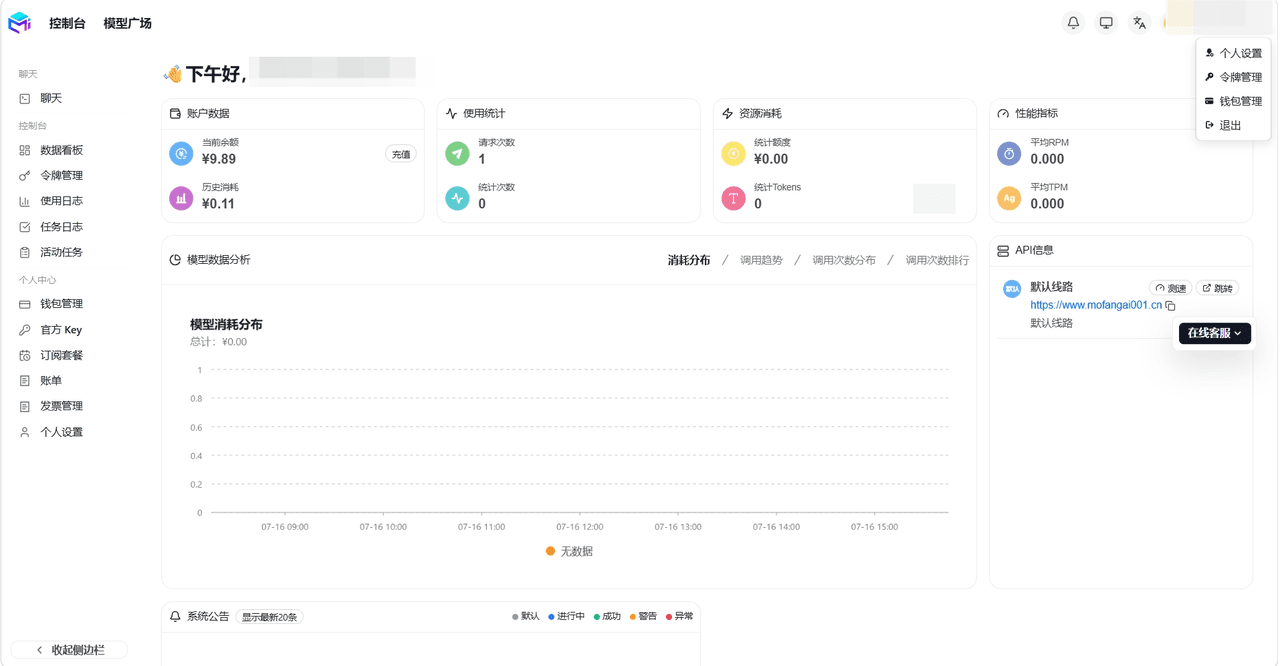
- Logging Out: click on your avatar at the top-right corner of the console, and select Log Out from the dropdown menu.
- Security Guard: 魔方AI authenticates users entirely via the secure OAuth protocol and never stores your passwords, ensuring account privacy and security.